
Most TVs can stream on their own, yet a separate streaming device often delivers a faster, smoother experience. Here is how to compare the main options and choose the one that fits your setup.
Why Not Just Use Your Smart TV?
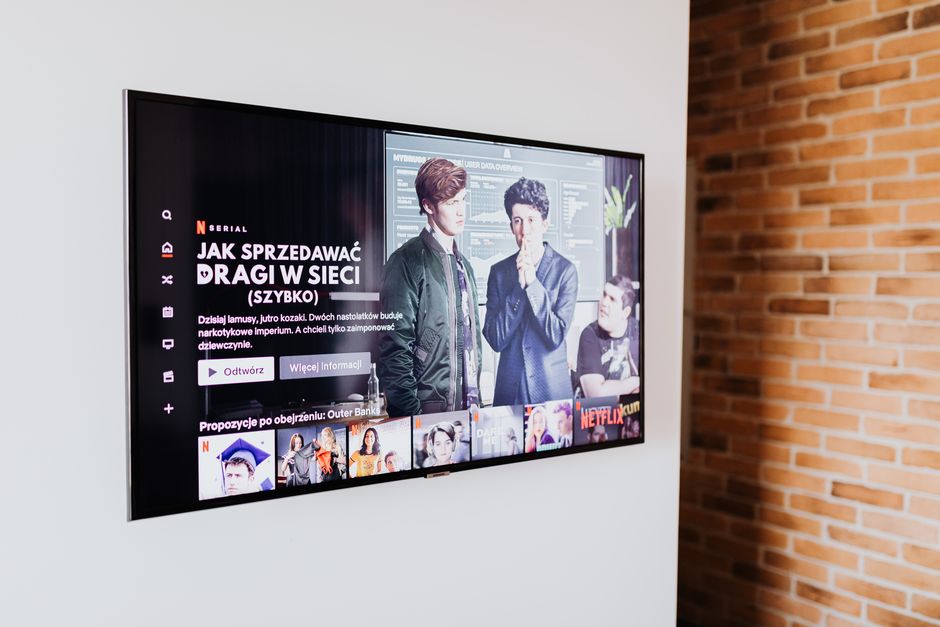
Nearly every new TV includes built-in streaming apps, and for many people that is enough. The interface is already there, there is nothing extra to buy and one remote controls everything in the living room.
Built-in smart TV software can age quickly, however. TVs are often kept for many years, but manufacturers may stop updating their software sooner, leaving apps slower, missing features or eventually unsupported.
Performance is another concern. Some TVs, especially budget models, use modest processors that make menus sluggish and apps slow to load, which becomes more noticeable as streaming apps grow more demanding.
A dedicated streaming device can refresh an older TV for a modest price. Instead of replacing a perfectly good screen, adding a newer streaming player gives you updated apps, faster performance and new features.
Privacy settings matter as well. Many smart TVs collect viewing data to personalize ads, so whichever option you use, review the privacy menu and turn off tracking features you are not comfortable with.
Cost also deserves a fair comparison. A streaming device is a one-time purchase, while replacing an otherwise working television costs many times more, so extending the life of a good screen is often the most economical way to get a modern streaming experience.
Streaming Sticks and Small Players
Streaming sticks plug directly into an HDMI port and hide behind the TV. They are affordable, portable and simple to set up, which makes them popular for bedrooms, guest rooms and travel.
Most sticks support major streaming services and offer voice search through the remote. Higher-end versions add support for 4K resolution, high dynamic range and advanced audio formats that make the most of newer TVs.
Their small size can limit performance. Entry-level sticks may feel slower than larger players, and they rely entirely on Wi-Fi, which can be an issue if your router is far from the TV.
Power is usually supplied through a USB cable or a small wall adapter. Using the included adapter rather than a TV USB port often provides more stable performance, especially on 4K models.
For a secondary TV or an older set that just needs reliable access to popular apps, a streaming stick is often the most cost-effective choice available today.
Some sticks also support casting, which lets you start a video on your phone and send it to the TV. This is handy for guests, since they can share a clip or playlist without signing into their accounts on your device.
Set-Top Boxes and Premium Players
Larger streaming boxes sit next to the TV and generally offer faster processors, more storage and smoother menus. They are designed for main living room TVs where you watch the most content.
Many premium players include an Ethernet port for a wired internet connection. A wired connection delivers more consistent streaming quality, which is especially valuable for high-resolution video and live sports.
These devices often support the latest video and audio formats, including advanced high dynamic range standards and immersive surround sound, provided your TV and sound system can take advantage of them.
Premium players may also double as smart home hubs, game streaming devices or controllers for other smart devices. These extras can add value if you already use the matching ecosystem.
The higher price is easier to justify for a main TV you use every day. Faster performance, better updates and a more polished experience tend to make a noticeable difference over years of use.
Consoles and Other Options
Game consoles can stream most major services, which makes them convenient if you already own one. Using a console avoids buying another device and keeps entertainment in one place.
Consoles tend to use more electricity than small streaming devices. If you stream for many hours each day, a dedicated player may be more efficient, quieter and simpler to control with a basic remote.
Some cable and satellite boxes include streaming apps as well. These can help households that want live TV and streaming in one interface, though app selection and performance vary by provider.
Laptops connected with an HDMI cable work in a pinch, especially when traveling. For regular viewing, though, a dedicated device with a remote is far more comfortable and convenient.
Whatever you choose, make sure it supports the services you already pay for. Not every app is available on every platform, so check compatibility before purchasing.
How to Choose the Right Device
Start with your TV capabilities. If your TV supports 4K and high dynamic range, choose a streaming device that does too, but if it is a 1080p set, a less expensive model will deliver the same picture quality.
Consider your home network. If Wi-Fi is weak where the TV sits, a player with an Ethernet port or support for newer Wi-Fi standards can prevent buffering and quality drops during busy evenings.
Think about the ecosystem you prefer. Devices integrate best with their own voice assistants, phones and smart home products, and choosing one that matches your other gear makes everything easier to use.
Look at the remote control. Features such as voice search, TV power and volume control and a remote finder can make daily use much more pleasant, especially for less tech-savvy family members.
The best streaming device is one that loads quickly, supports your favorite services and stays updated for years. Spending a little more for the main TV and less for secondary rooms is a smart balance for most homes.